
Altschool Clone
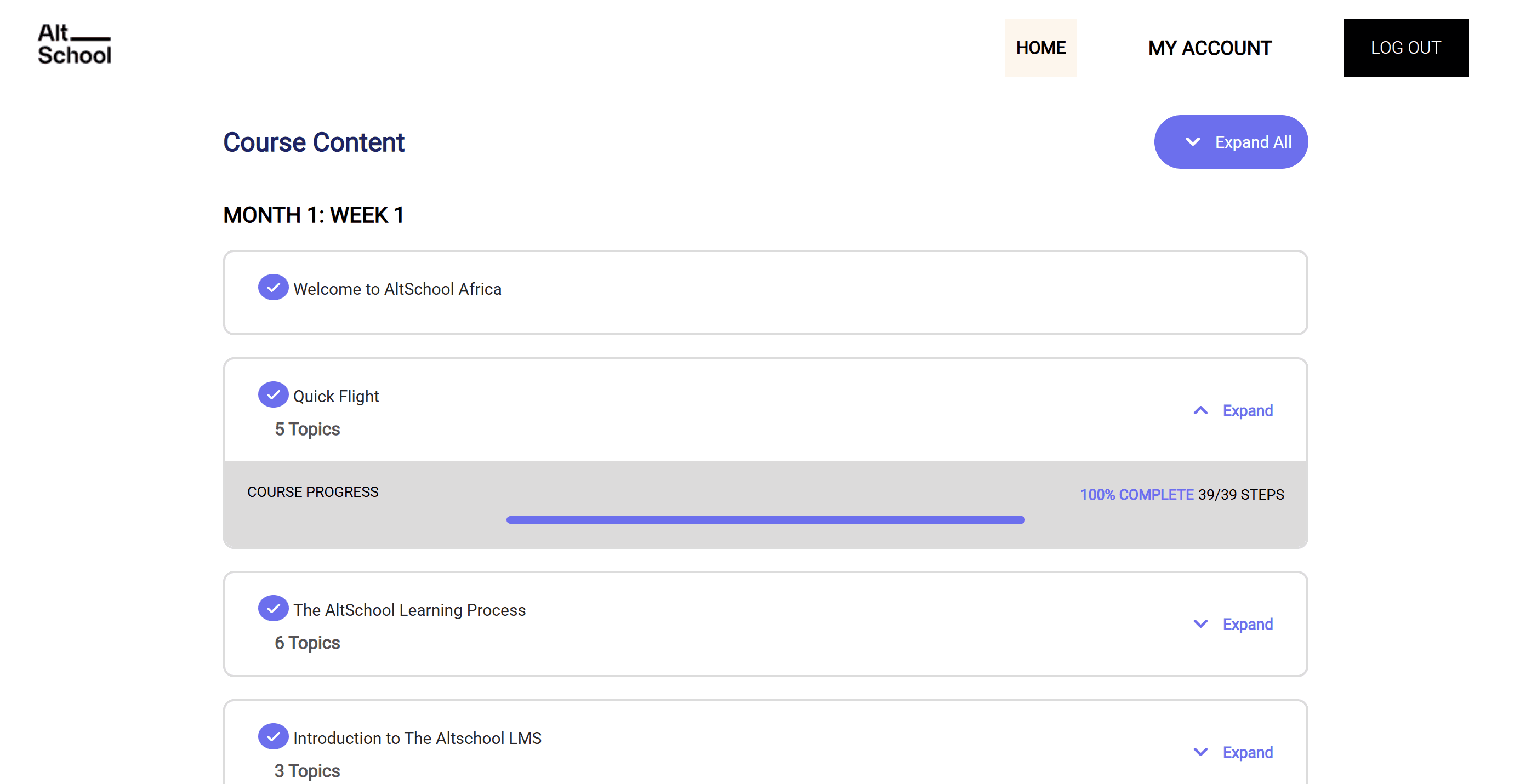
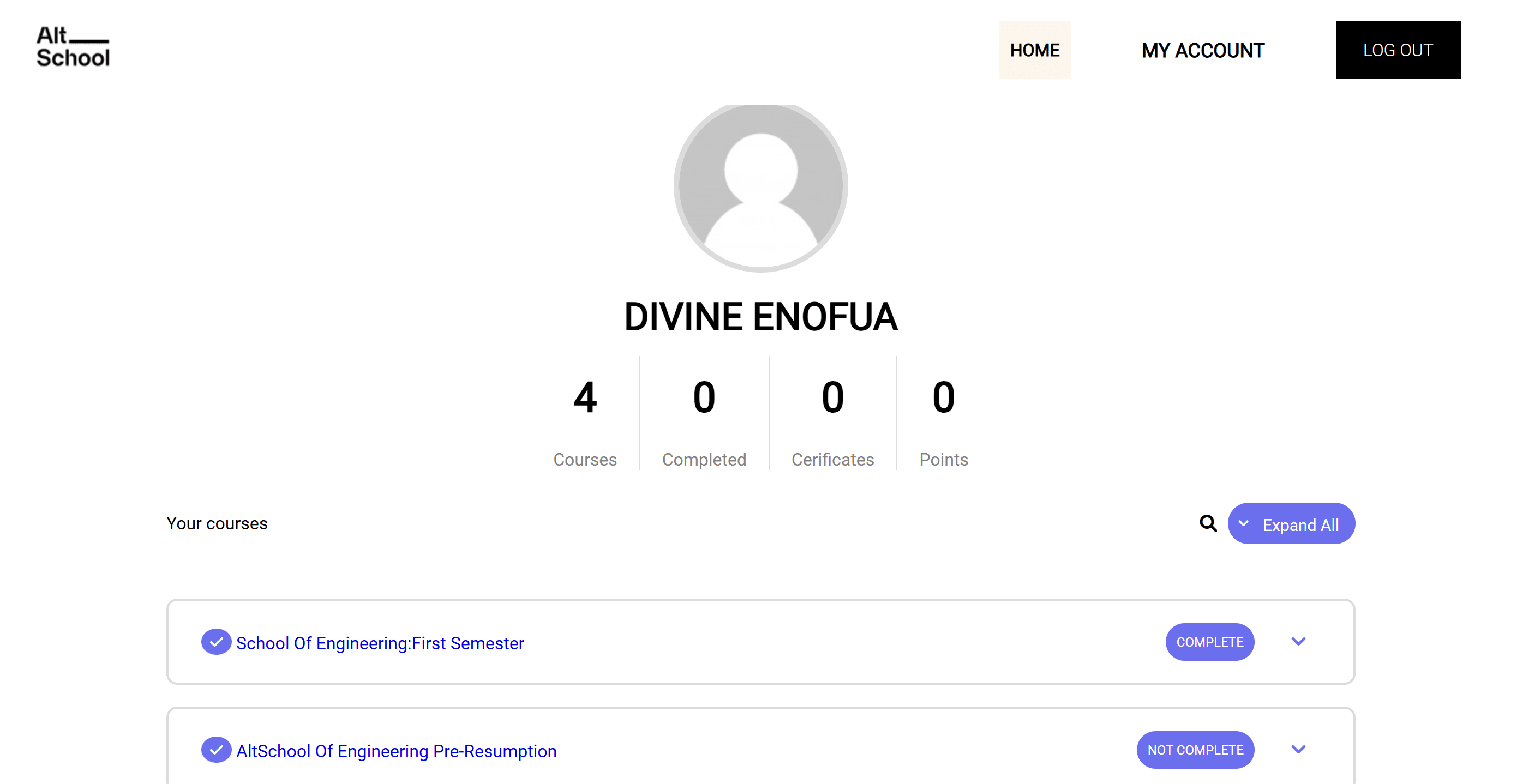
The Altschool Clone project was a personal endeavor where I recreated the Altschool website to showcase my web development skills. The project focused on replicating the structure and functionality of the original site, while also paying close attention to the user interface and experience.

Project Purpose and Goal
This project was structured in distinct phases, each adding progressively more features. In the first phase, I focused on building the basic structure of the website. This involved replicating key pages from the Altschool site, such as the homepage, about section, and contact form. I ensured the website was responsive, using media queries and flexible layout techniques to make sure it looked great on all devices.
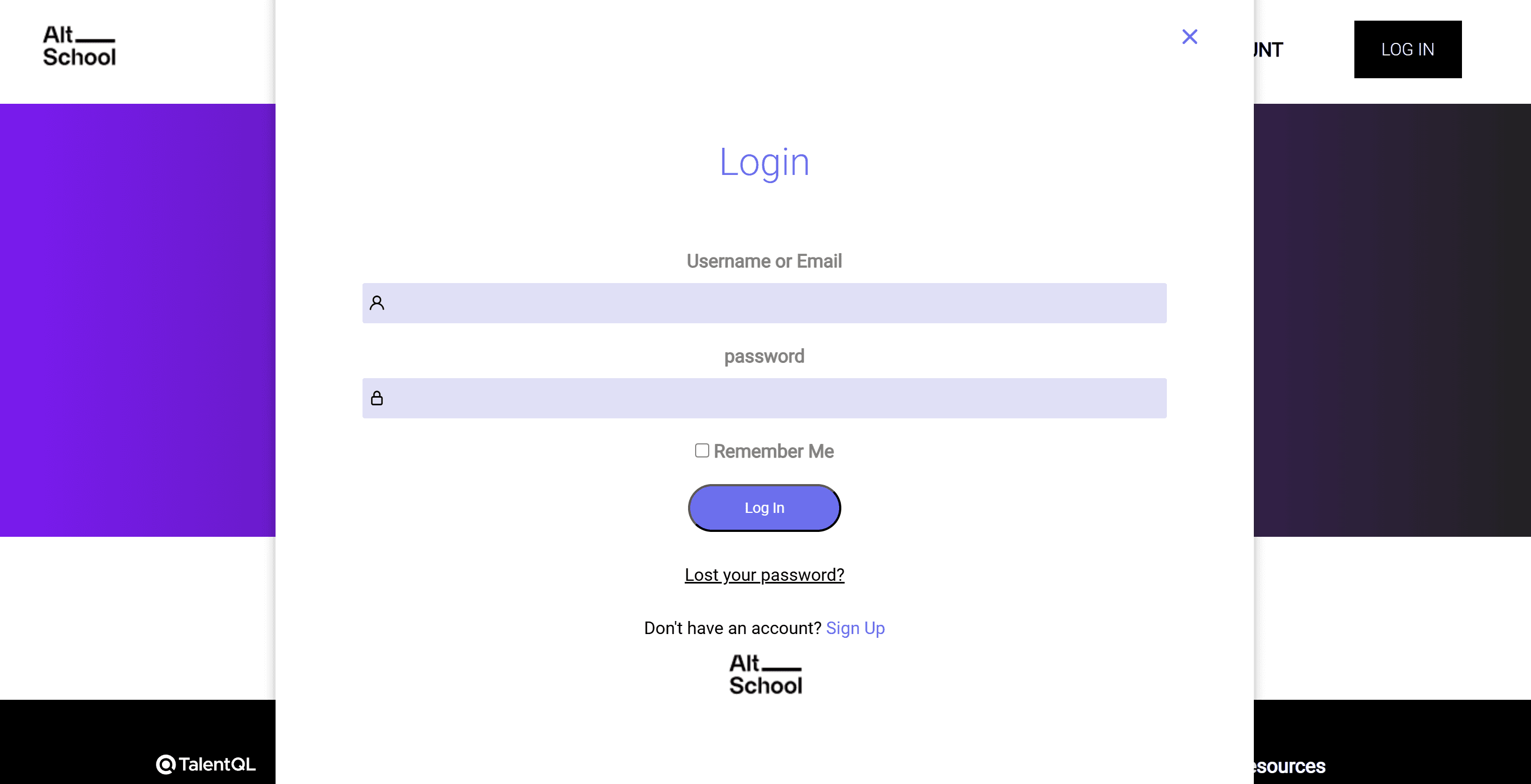
In the second phase, I added interactivity and implemented a basic user authentication system. This involved creating a simple login and registration system using local storage to store user details like passwords and usernames. This allowed users to save their login credentials in the browser, enabling auto-login for returning users. I also worked on enhancing the site's responsiveness and UI design, ensuring smooth navigation and interaction.
The final phase was about refining the project and adding additional features. I integrated error handling for the login system, ensuring that users were notified if there were issues with their credentials. I also optimized the performance of the website and ensured it was fully mobile-responsive.
Web stack and Explanation
For the Altschool Clone project, I used HTML, CSS, and JavaScript as the core technologies to build the front-end, ensuring the site was responsive and visually appealing across all devices.
I also used localStorage for storing user authentication details, allowing users to persist their login credentials across sessions. This was achieved using vanilla JavaScript, which was a straightforward choice for this project to handle client-side storage.
Lessons Learned
One important lesson I learned from the Altschool Clone project is that localStorage isn't ideal for storing sensitive information, such as passwords or user authentication details. While it offers convenience by enabling persistence across sessions, it's not secure because the data is stored in plain text and accessible from the browser's developer tools. This makes it vulnerable to attacks if a user's device is compromised.