
Chatter
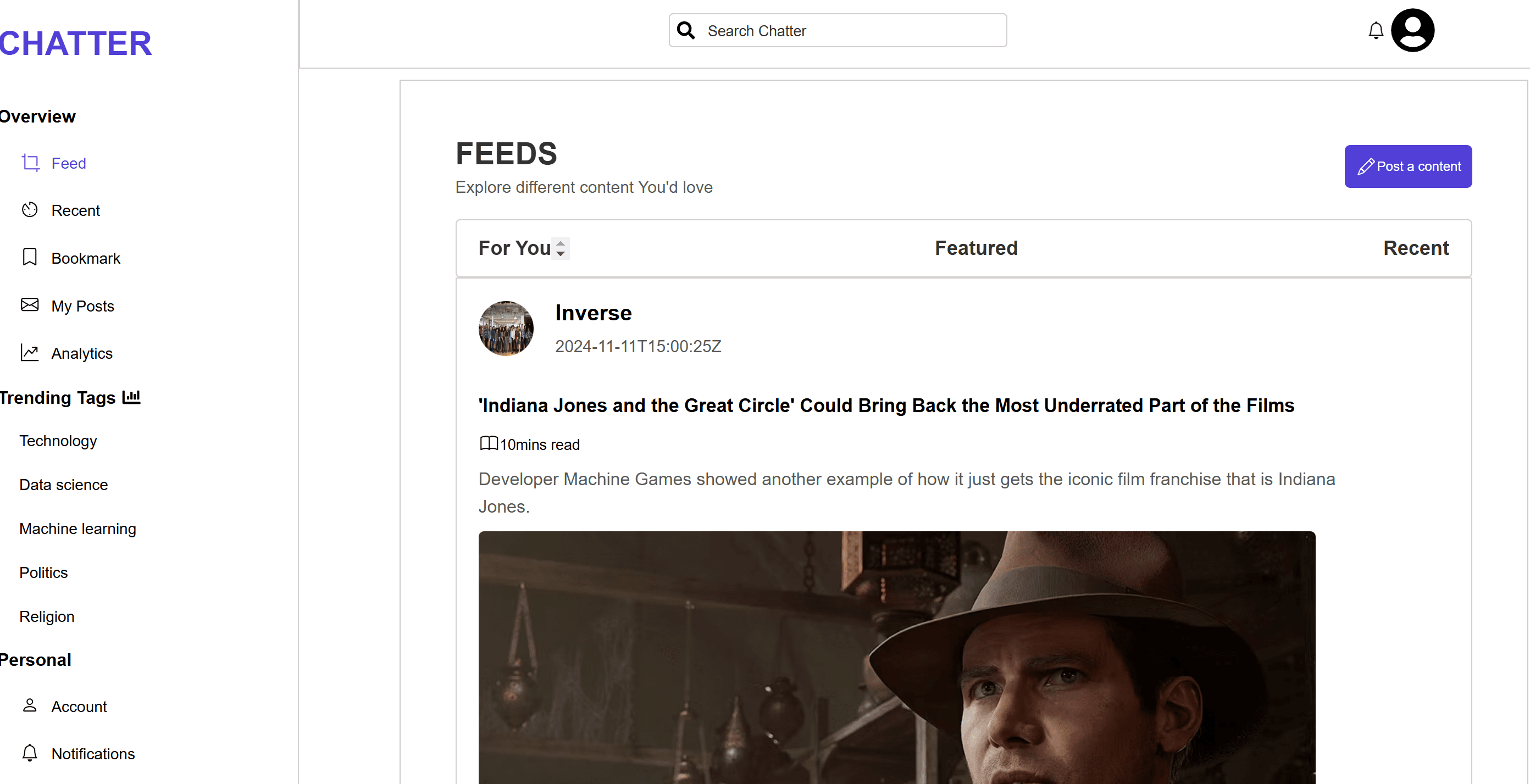
Chatter is an article reading platform where users can read articles pulled from an API or submitted by other users. I focused on making sure the articles were displayed in a clean, readable format, with an easy way for users to submit their own posts. The platform allows for both API-based content and user-generated articles, ensuring a variety of topics for readers to explore.
Project Purpose and Goal
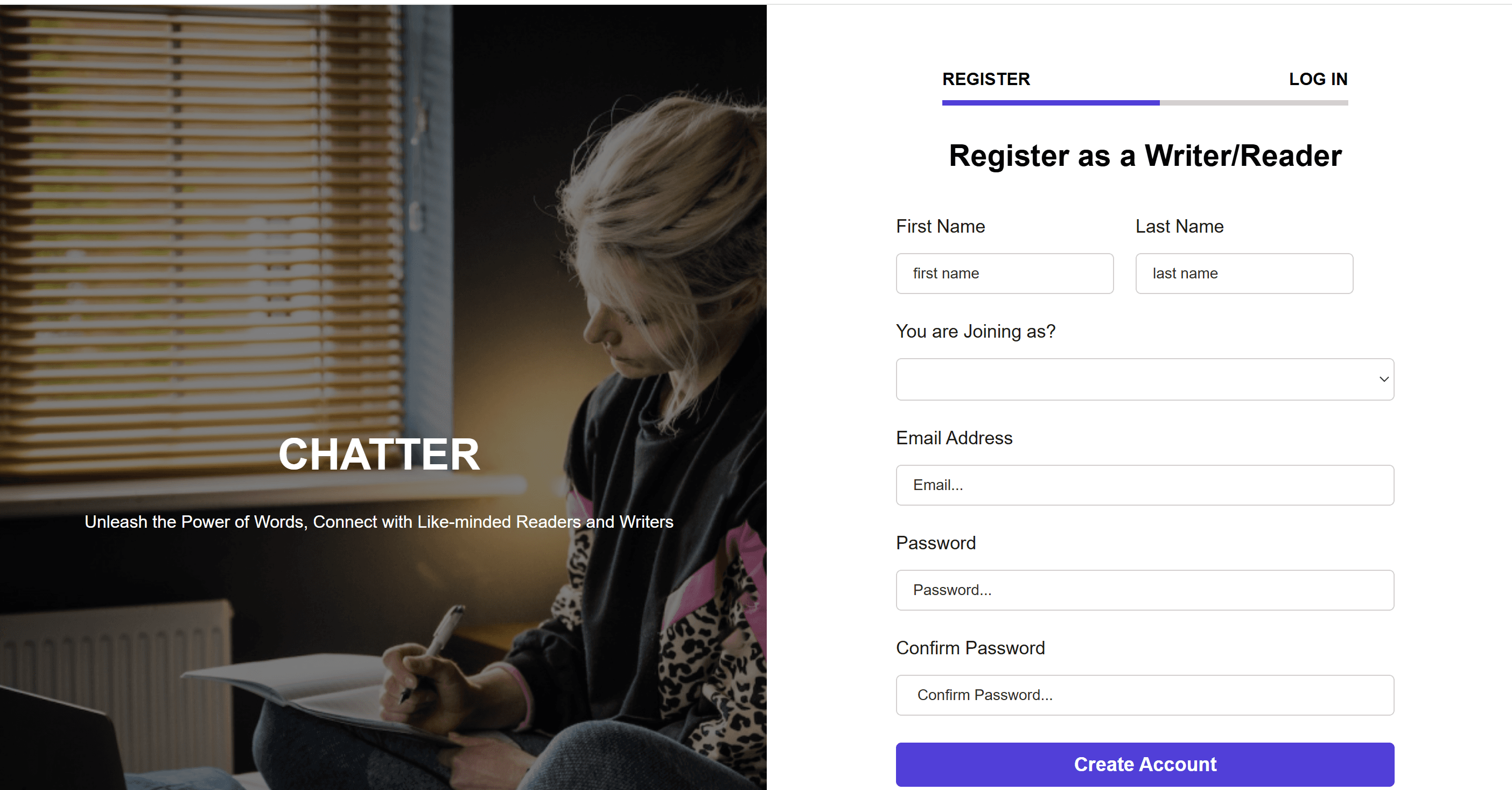
This project was structured in distinct phases, each adding progressively more features. The first phase focused on creating a clean and simple landing page where users could get an overview of the platform. I implemented Firebase authentication, allowing users to sign up and log in securely. Additionally, I designed and integrated a custom 4-digit token verification system for extra security during login, ensuring that the user experience was both safe and user-friendly. EmailJS was also used to send verification emails, adding another layer of convenience for users.
In the second phase, I focused on consuming an external API to display articles dynamically. The site was designed to be fully responsive, ensuring that users could access and read articles on any device. I worked on creating a seamless and mobile-friendly design, utilizing Tailwind CSS for styling and making sure that the layout adapted to different screen sizes.
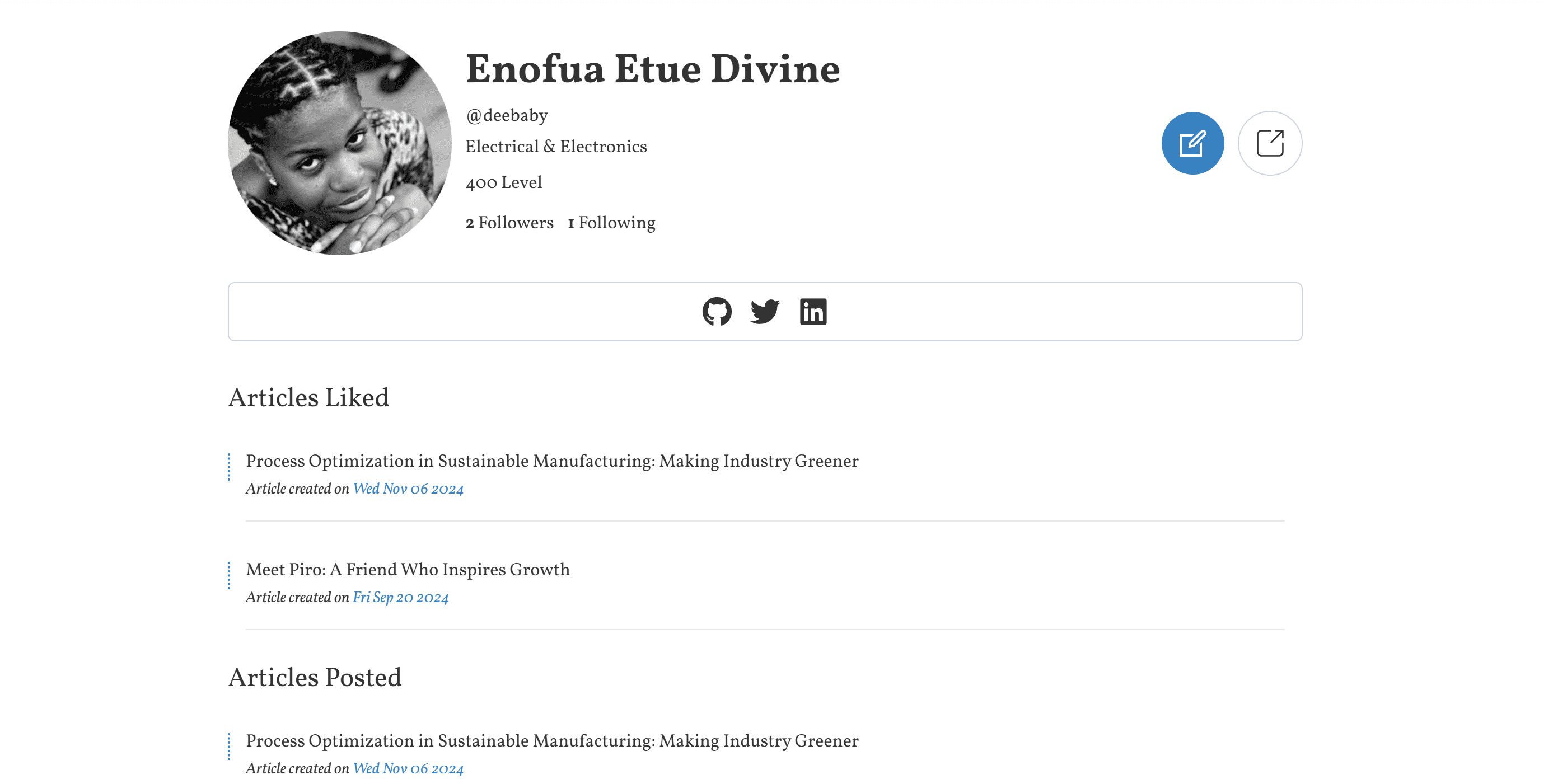
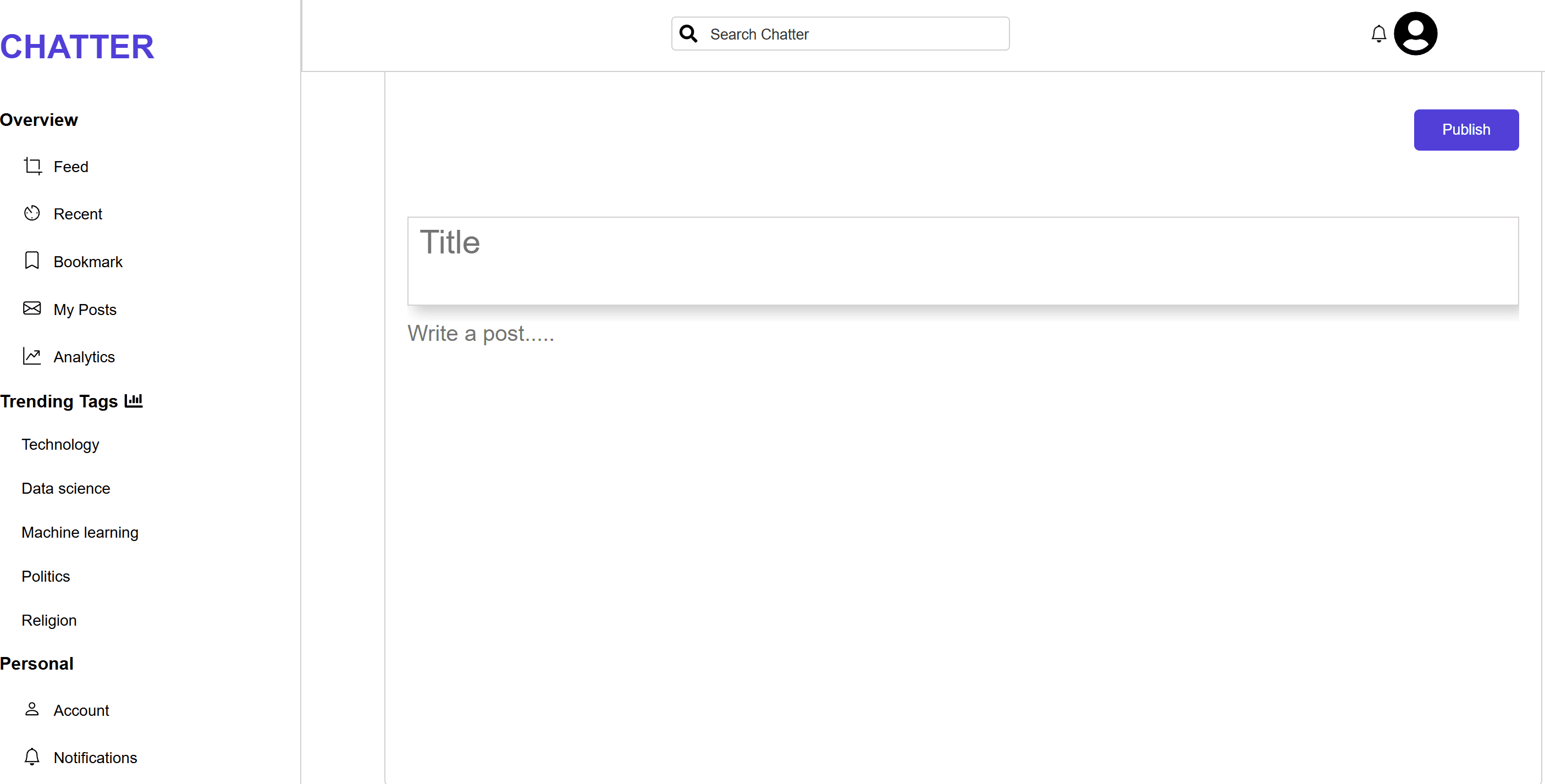
The third phase involved adding a rich text editor to allow users to create and submit their own articles. Articles were then saved to Firebase, with features for sorting and filtering content based on categories or tags. This phase also required implementing article management functionalities, enabling users to easily browse, search, and filter through the growing list of user-generated and API-fed content.
Web stack and Explanation
I chose Vue.js as the core framework due to its flexibility and simplicity, which made it easy to build and scale the application. Pinia was used for state management, providing a modern and lightweight solution for managing application state. Unlike Vuex, Pinia is more intuitive and designed to work seamlessly with Vue 3.
In addition to Pinia, Vue directives played a significant role in making the application dynamic and interactive. Directives like v-if, v-for, and v-bind allowed me to easily control the DOM based on conditions, iterate through lists of articles, and bind data to elements efficiently. I used v-model to handle two-way data binding for forms and inputs, making the user experience smoother.
Lessons Learned
One of the key lessons I learned from this project is the importance of paying strong attention to detail and following instructions strictly. The project was originally meant to be done with TypeScript, but I initially skipped that step. Later, when I wanted to integrate TypeScript into the project, it became a real challenge. It felt like a tug of war—trying to retrofit TypeScript into a project that was initially built with JavaScript was time-consuming and messy. This experience taught me the value of planning ahead and sticking to the intended technologies from the beginning to avoid complications down the line.
Other Projects
Chatter
A capstone Project for Altschool Africa.I worked with vue and used pinia as my store Library.
Learn More